
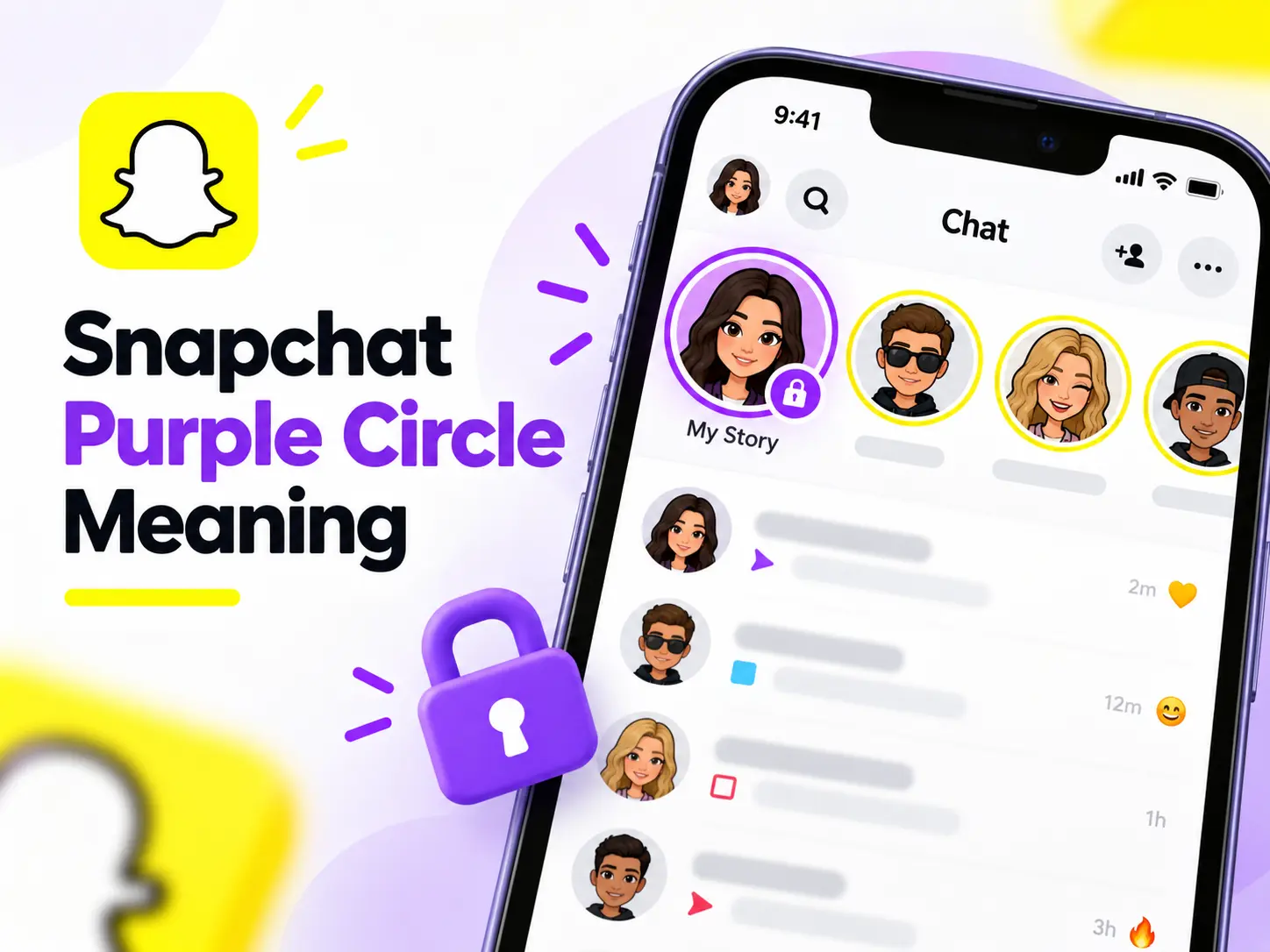
Have you noticed a purple circle around someone’s Bitmoji on Snapchat and wondered what it means? Is it a new message, a Private Story, or a sign that someone is online? The Snapchat Purple Circle Meaning is simple: it usually shows that someone has posted a Story you haven’t watched. However, a purple ring with a lock has a different meaning. This guide explains Snapchat’s purple indicators, Story privacy, different icon colors, and how to fix common problems.
What Does the Purple Circle Mean on Snapchat?
Simple Definition of the Purple Circle
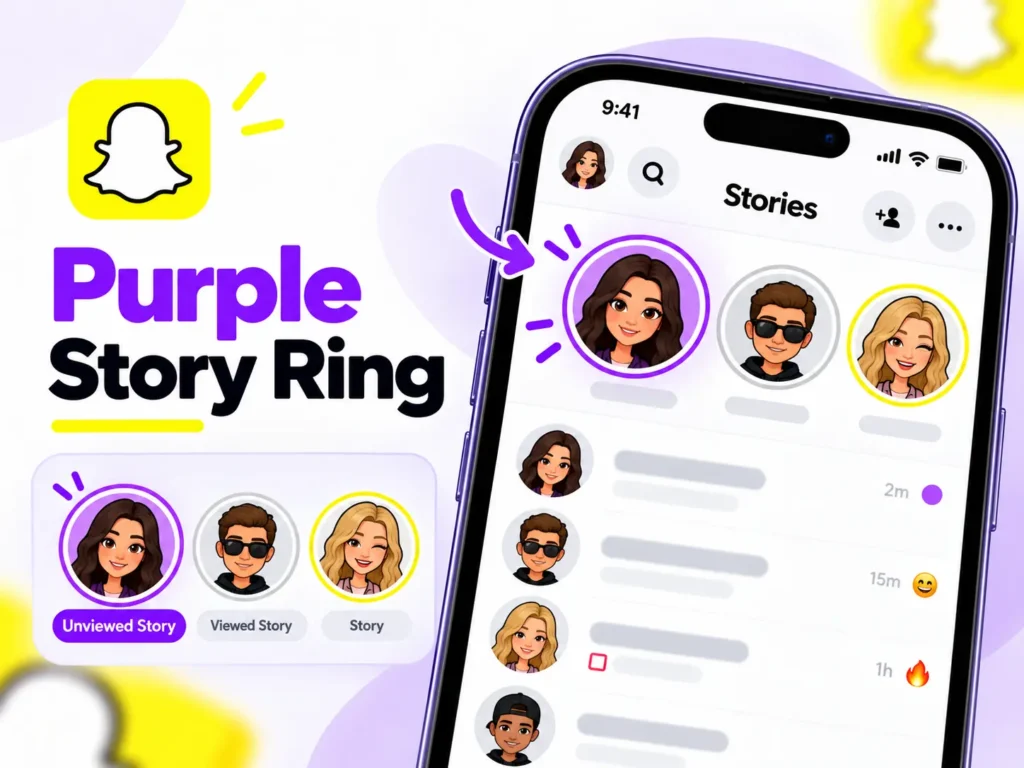
A purple circle on Snapchat usually indicates an available, unviewed Story. It appears around a person’s profile picture or Bitmoji.
The purple ring does not automatically mean someone sent you a message, visited your profile, or added you as a friend.
Snapchat Purple Circle Meaning at a Glance
| Snapchat Indicator | Meaning |
| Purple Story circle | Unviewed Story content |
| Purple ring around Bitmoji | Story available to watch |
| Purple circle with lock | Private Story for selected viewers |
| Grey Story ring | Usually previously viewed content |
| Purple Snap icon | Video Snap status in Chat |
What Does the Purple Circle Mean on Snapchat Stories?
Why Snapchat Shows a Purple Ring
Snapchat uses visual indicators to help users recognize new Stories without opening individual profiles.
For example, if your friend Sarah uploads a photo to My Story, you may notice a purple outline around her Bitmoji.
When Does the Purple Circle Disappear?
The purple Story ring generally changes or disappears after you watch the available content.
Newly uploaded Snaps may cause an unviewed Story indicator to appear again. Stories also disappear when their viewing period ends.
What Happens When You Tap It?
Tapping the Story ring opens the available Story. You can watch photos or videos and move through the content.
What Does the Purple Circle Around a Snapchat Bitmoji Mean?
Purple Circle Around a Friend’s Bitmoji
A purple circle around a friend’s Bitmoji usually means they have shared a Story you can view.
It does not reveal their current online status or whether they are chatting with someone.
Snapchat also uses friendship emojis to represent interaction levels. For example, our Snapchat Red Heart Meaning guide explains what the red heart says about your Best Friends status.
Purple Circle in Find Friends and Added Me
Snapchat renamed Quick Add to Find Friends, a feature that recommends possible connections.
If you notice a Story indicator around a suggested person’s profile, do not assume they sent you a friend request. Check the actual Add or Accept button to understand your connection status.
A similar distinction applies to the Added Me screen.
What Does the Purple Circle With a Lock Mean on Snapchat?
Purple Lock Meaning on a Private Story
A purple Story indicator with a padlock represents a Private Story.
According to Snapchat Support, only friends selected by the creator can view that Private Story.
Private Story vs Public Story
A Private Story allows its creator to select specific friends. Public Stories may reach a wider audience, depending on the account and publishing settings.
A lock does not mean someone blocked you.
How to Create a Private Story
- Open Snapchat and visit your profile.
- Choose the option to create a new Private Story.
- Select the friends you want to include.
- Name your Story and save it.
- Add Snaps for your selected audience.
You can manage the audience through your Story settings.
Snapchat Purple Circle vs Blue and Grey Icons
Snapchat uses different colors across Stories and Chat.
| Color or Symbol | Common Meaning |
| Purple Story ring | Available unviewed Story |
| Blue Chat icon | Chat message activity or status |
| Grey Story ring | Previously viewed Story |
| Red Snap icon | Photo Snap status without audio |
| Purple Snap icon | Video Snap status |
Important: A purple circle and purple square are not interchangeable. Their meanings depend on where they appear.
If you’re confused by Snapchat’s grey symbols, our guide to Snapchat Grey Arrow Meaning explains why messages appear as pending and what you can do about them.
Why Is the Purple Circle Still Showing After Watching?
Sometimes Snapchat continues displaying a purple Story ring even after you watch the content.
Possible reasons include:
- Your friend uploaded another Snap.
- Some Story content remains unwatched.
- Your internet connection delayed synchronization.
- Snapchat has an outdated cache or temporary display issue.
How to Fix the Problem
Try these simple solutions:
- Reopen the Story and check for additional content.
- Close Snapchat and open it again.
- Check your internet connection.
- Update Snapchat through your app store.
- Clear Snapchat’s cache if the issue continues.
These steps may help refresh outdated Story indicators on Android and iPhone.
Does the Purple Circle Reveal Activity or Affect Privacy?
Does It Mean Someone Is Online?
No. A purple Story ring does not confirm that someone is currently online. Snapchat uses a separate Activity Indicator to provide information about recent activity.
Unlike Story indicators, Snapchat’s hourglass emoji relates to Snapstreaks. Read our Snapchat Hourglass Meaning guide to understand why it appears and how to keep your streak active.
Can Someone See When You View Their Story?
Yes. Snapchat allows Story creators to check their viewer lists.
To check your own viewers, open My Story and swipe up. Snapchat displays names for up to 200 viewers, according to its official Story viewing guide.
Can You Turn Off Purple Story Rings?
Snapchat does not provide a general setting specifically for disabling purple Story indicators. However, you can control your Story audience and mute Stories you do not want to watch.
Frequently Asked Questions About Snapchat Purple Circle Meaning
Does the purple circle mean someone added me?
No. It generally indicates Story content, not a friend request.
What does the purple circle with a lock mean?
It identifies a Private Story shared with selected friends.
Can non-friends have purple Story rings?
You may encounter Story indicators on public content from people who are not your friends.
Why did the purple circle turn grey?
A grey ring commonly indicates content you have already viewed.
Is the purple circle different on Android and iPhone?
Its general Story meaning remains the same, although screen layouts and presentation can vary.
Final Thoughts
The Snapchat Purple Circle Meaning mainly relates to available Story content. A purple ring around a Bitmoji usually indicates an unwatched Story, while a padlock identifies a Private Story.
Understanding these indicators helps you distinguish Stories from messages, friend requests, and online activity. Always check the surrounding icon and screen before deciding what a Snapchat symbol means.
1 thought on “Snapchat Purple Circle Meaning: Story, Bitmoji & Lock Explained”
Comments are closed.